

Shopify Meta Channel: Your Store Is Already Selling on Meta
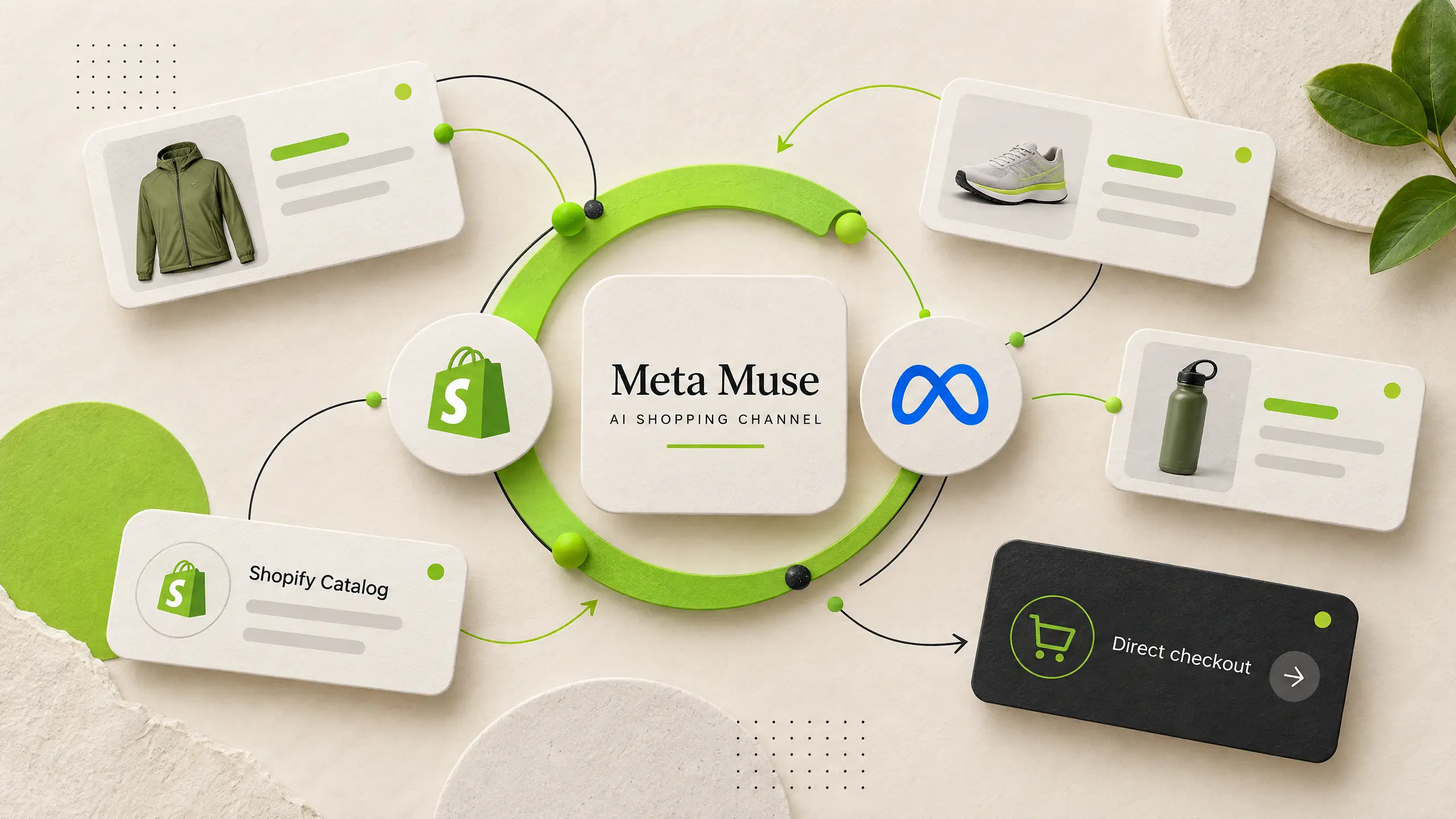
Shopify quietly added Meta as an AI sales channel this month. The Shopify Meta channel is switched on by default, so if you run a Shopify store, this likely already applies to you. No setup was required, and that is exactly the point.
What Changed: Meta Joins Shopify Agentic Storefronts
Meta appeared inside Shopify Agentic Storefronts. This is the admin area that connects your products to AI shopping platforms. ChatGPT, Google AI Mode, and Microsoft Copilot were already listed there. Meta joined the same day it launched Muse, its own Meta AI shopping agent.
Your products were shared with the platform by default. This happens through Shopify Catalog, the system that feeds your inventory to every connected AI channel. You did not need to approve it. You did not need to install anything either.
Why Shopify Direct Checkout Matters for Merchants
The Shopify Meta channel also came with direct checkout, active by default for eligible stores. That means a shopper chatting with Muse can complete a purchase without leaving that app. Shopify powers the payment behind the scenes. You still own the customer relationship and the order.
This is not unique to Meta. Google AI Mode, Gemini, and Copilot already use Shopify direct checkout the same way. However, this is the newest and least tested channel of the group. Muse itself only launched days before this change.
Who Should Check Their Shopify Meta Channel Settings
First, this applies to you if any of the following are true. You sell to customers in the US, Canada, or Mexico, where this checkout is rolling out. You care about which AI platforms can complete a sale on your behalf. You want visibility into performance before a channel scales. You prefer reviewing new sales channels before they go live, not after.
If none of this concerns you, you can leave everything as is. The default settings were built to work without intervention.

How to Review Your Agentic Storefronts Settings
Go to Shopify admin, then Sales channels, then Agentic. The Shopify Meta channel will appear alongside your other AI channels. From there, you can review three separate controls. Catalog access decides whether the platform sees your product data at all. Direct checkout decides whether purchases can complete inside its surfaces. Auto-enroll decides whether future channels get added the same way, without asking first.
Additionally, you can check performance data for this channel from the same screen. This shows how many views, clicks, or orders came through it.
One thing to know, though: turning off Catalog access is not instant. It can take up to seven days to fully stop sharing your data.
Final Thought on Shopify’s Newest AI Channel
A new AI channel went live on your store without a single click from you. That is either convenient or concerning, depending on how closely you watch your sales channels. Either way, it is worth checking once.
Want help reviewing your Agentic Storefronts settings? Or deciding which AI channels fit your store? Reach out to us at marketing@tychons.com. A five-minute audit now beats a surprise later.